




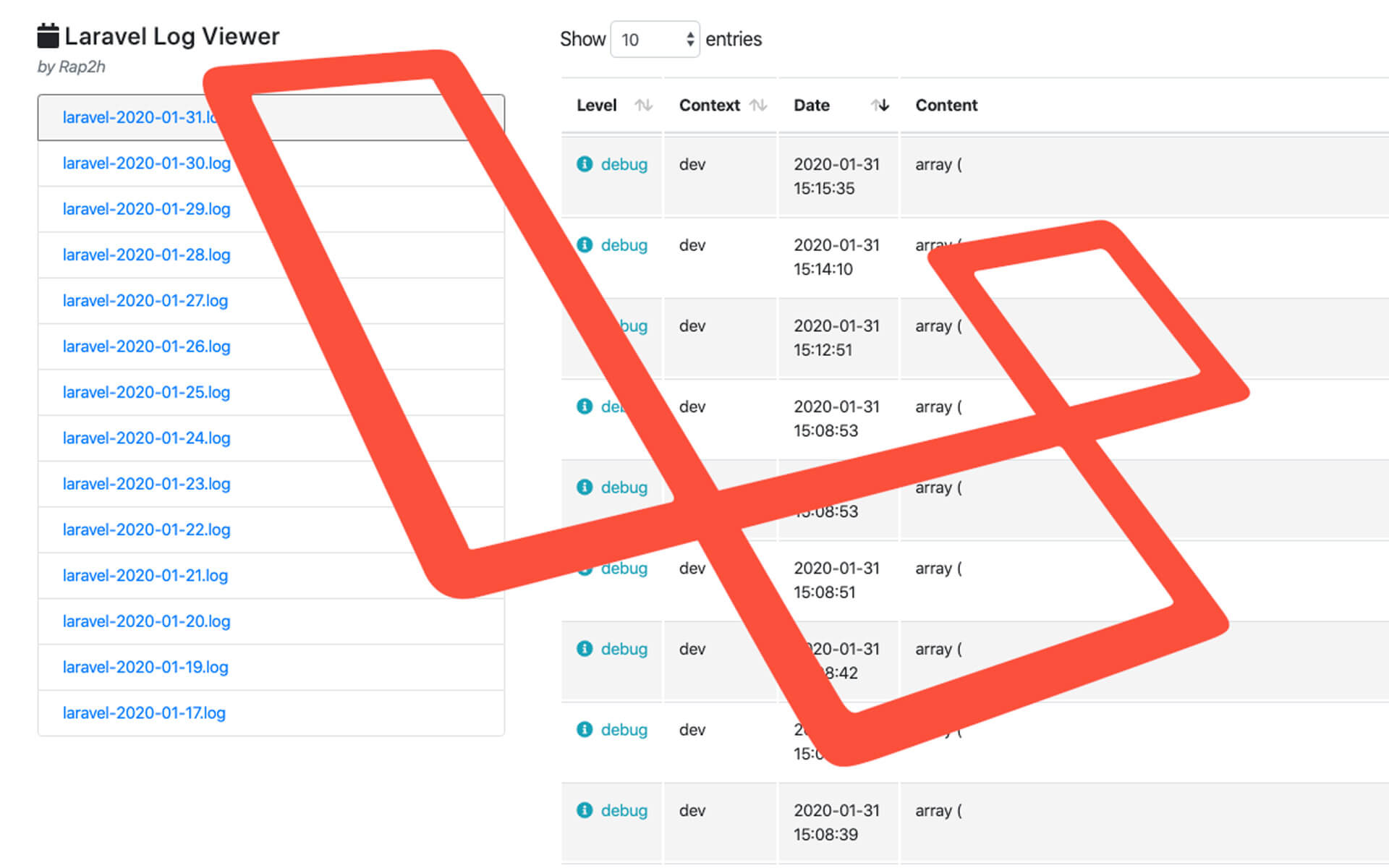
If you’ve ever had a client or customer call you up and say “I got an error, the app doesn’t work!”, without any context, I’d imagine you’d feel frustrated. Or maybe they just ignore that error, and you never find a bug in your code. Without a log viewer, you’d have to ssh into your server to view the logs through a tool like Vim. It’s not ideal, and it’s difficult to read anything.
So that’s where a log viewer comes in. The nice tool created by rap2hpoutre allows you to easily view your logs on the web. So here how to easily install it!
1. Install it via composer:
composer require rap2hpoutre/laravel-log-viewer
2. add Rap2hpoutre\LaravelLogViewer\LaravelLogViewerServiceProvider::class into your config/app.php in the providers as such:
'providers' => [
        ...
        /*
         * Package Service Providers...
         */
        Rap2hpoutre\LaravelLogViewer\LaravelLogViewerServiceProvider::class,

        ...
    ],
3.Add a route in your web.php
Route::get('admin/logs', '\Rap2hpoutre\LaravelLogViewer\LogViewerController@index');
Since it’s a route, you can, of course, use middleware on it too!
Route::get('admin/logs', '\Rap2hpoutre\LaravelLogViewer\LogViewerController@index')->middleware('middleware');
Then go to http://myapp/admin/logs
For more information, read the official git repository.


