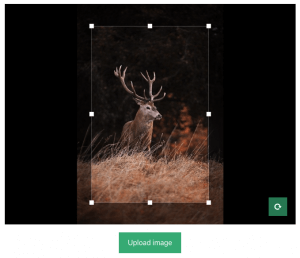

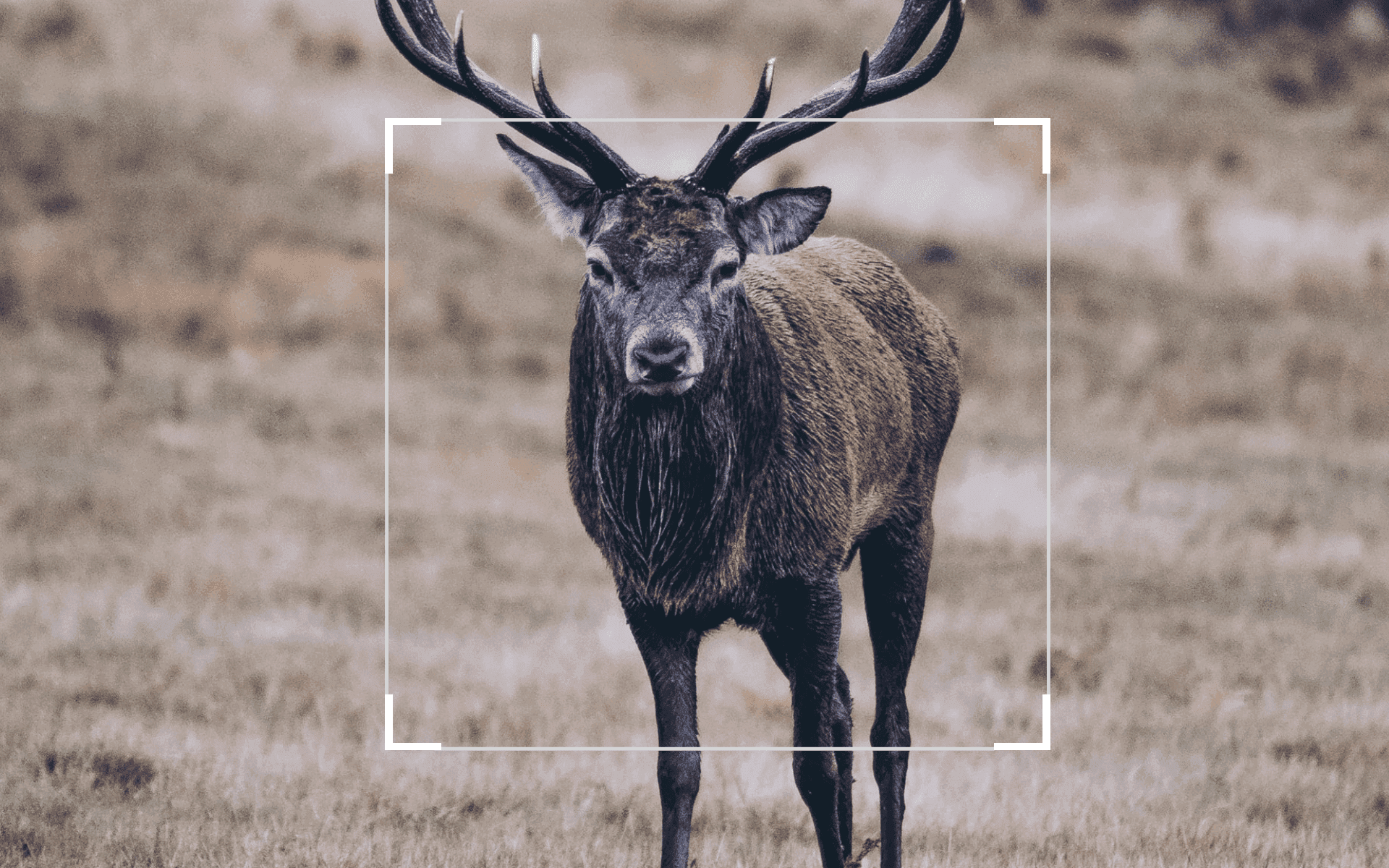
So have you always wandered how you could implement a cropping tool on your Vue frontend application so you could get uniformly sized images for things such as user profiles, product images, gallery items etc.
Well today I am going to explain how to implement a library called vue-advanced-cropper in your new CLI project.
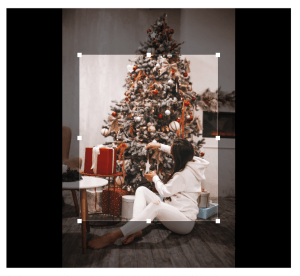
First thing is create your new project, if you already have a project setup then you can skip this step till where we install vue-advanced-cropper
vue create cropping-tool
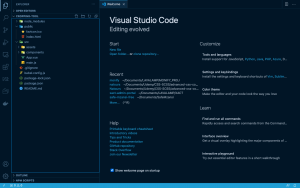
Your project files should look like this once that command has finished running.
then in your terminal we can start installing the vue-advanced-cropper package.
npm install -S vue-advanced-cropper@release
after that we can move straight into making a new Vue Component. To create a new component just add a file in your components directory and name it for example cropper. this component will house our cropping tool. and you can proceed to give it the basic vue scaffolding.
Add in some html to upload an image using html file input and the vue cropper component which vue advanced cropper offers us. and also import it, I added in a function that you can use to also capture the uploaded file and send it via an http request to a backend api for example.
Result